
AI Training and Enablement
One hour, one to one.
Your computer, your work.You leave with a new skill.
One hour, live, at your desk or over a screen share. We get the tools running on your machine, then we work on what actually eats the afternoon: the timesheets somebody re-keys into payroll, the quote that has to be written from a voice memo, the permit paperwork, the invoice that goes out late, the inbox nobody has cleared since Tuesday. Office managers, dispatchers, owners, anyone who spends the day at a keyboard. You leave able to run it without us.
Your first hour at your desk with Nick. Later hours live with a certified AI engineer.
 Claude
 ChatGPT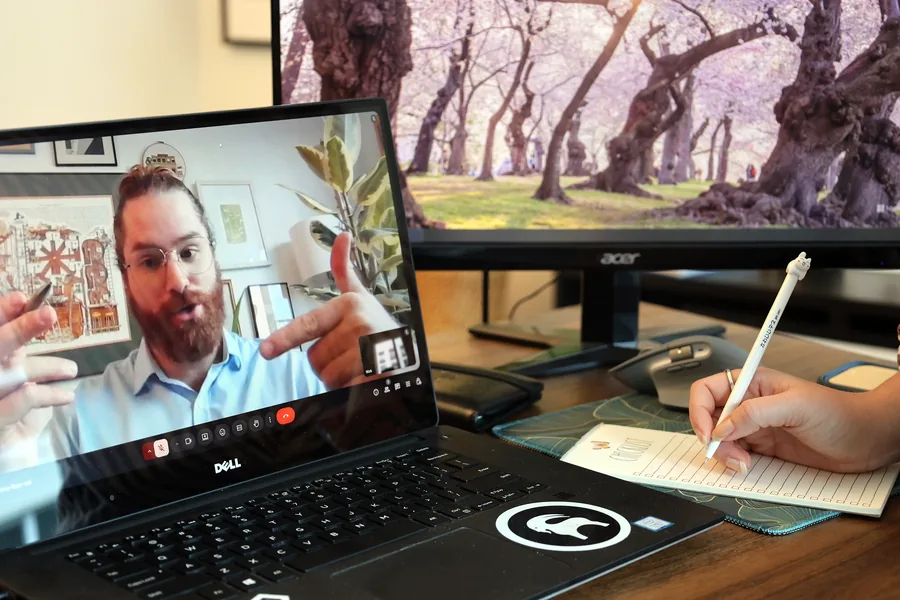
Already paying for a program or app and feel like you aren’t getting your money’s worth?
We get your office fluent in the software you already pay for, using AI as the coach. Most shops use a fraction of what they’re billed for every month. In the hour we set AI up to walk your office through your own account, in plain English, so the answer is on your screen instead of in a support queue.
You’ve typed into ChatGPT. An AI agent goes further:
it uses your computer the way you do.
It works across the apps you already have open.
It reads the email, pulls the numbers out of the attached PDF and enters them in your spreadsheet, clicking and typing the way you would.
It fills in the forms nobody wants to fill in.
Vendor portals, order forms, the same details typed into three websites. You tell it once, it does the typing, and it stops for your OK before anything gets submitted.
It sorts the folder you’ve been avoiding.
Hundreds of files renamed, filed and summarized, with a short list of anything it wasn’t sure about.
It does the research while you do something else.
It opens the sites, compares the options and comes back with a short table and the links it used, so you can check its work.
An example task, start to finish
Six frames from a session, run on sample receipts.


Start with a job you do every week
Pick one real task you already do by hand, so you can tell straight away whether it got it right. The best first jobs have a few inputs, end in a file, and have a boring middle you’d rather skip.
- 1Drop your receipts in a folder and get back an expense report, totals already done.
- 2Sort a cluttered folder by type and date, and rename every file the same way.
- 3Turn a voice memo or a page of scattered notes into a clean document you can send.
- 4Pull the decisions and to-dos out of a meeting recording or transcript.
- 5Build a spreadsheet with working formulas, or a slide deck, from your rough notes.
- 6Get a morning briefing that sorts your unread email into what needs you today.
None of that is impressive. All of it is time back.
Your hour, step by step
In this order, however long each part takes.
- 1We get on the call
Google Meet, plus a remote support app like AnyDesk, so we can take the mouse and walk you through it on your own machine instead of just telling you where to click.
- 2We get it running
Installed on your computer, accounts and permissions sorted, connected to the things you already work in. This part happens once. Later sessions start on your work.
- 3We do your task together
The thing you brought, in your files, on your screen. Not a demo on ours.
- 4Then you drive
You try and we help you troubleshoot problems and get working with it.
Frequently Asked Questions
Do I need to know anything before the first session?
No. Most people start from nothing. You’ll need a subscription to the AI you’re going to use, Claude or ChatGPT, a computer you can install software on, and one task that takes you too long. We work from there.
Is this only for business owners?
No. It’s for anyone who wants training, whether you run a business, work for one, or just want to get better with AI on your own computer.
Which tools do you train on?
Claude and ChatGPT, and the tools that work with them. Which one is right depends on what you do all day, and we’ll tell you before the session which one we’re setting up and what you need on your end.
Do you take control of my computer?
Only to help, and only with your OK. We use your computer to get things set up and to get you unstuck, then hand it right back so you do it yourself.
Do I need a special computer?
Bring whatever computer you have. We start with that. If you need a stronger or newer computer, we can give you our recommendation to help point you in the right direction. On Windows, the Claude desktop app needs a Windows Pro license, and Macs run it as is. We’ll check what you have before the session and help you get it installed.
Book an hour and bring one real task
Tell us what eats your week. We tackle it together.Kill the repetitive work. Automate the rest.